
Budget Gaming PC Build 2025: Best Parts for 1080p and 1440p
On this page(8 sections)
Building a budget gaming PC in 2025 is still one of the best ways to get great performance for your money—especially if you’re comfortable turning a screwdriver and doing a little research. Pre‑built systems often cut corners on power supplies, motherboards, and cooling, while charging a premium for the privilege. A DIY build lets you choose quality components that hit the sweet spot for 1080p and even 1440p gaming without overspending.
This guide walks through a balanced parts list, explains where you should invest and where you can safely save, and highlights upgrade paths so your new gaming rig stays relevant for years.

Setting a Realistic Budget and Performance Target
Before opening any online store, decide what you want this budget gaming PC to achieve:
- Target resolution: 1080p high/ultra, 1440p medium/high?
- Refresh rate: 60 Hz vs 120/144 Hz competitive shooters.
- Games: Esports titles, AAA single‑player, or a mix?
As a rough guide in 2025:
- A mid‑range GPU paired with a solid 6–8 core CPU can easily handle 1080p ultra.
- For 1440p, aim for a slightly stronger GPU and be prepared to tweak settings.
Set a total budget (for example, AU$1,200–1,600) and allocate most of it to the GPU and CPU, then memory, storage, and PSU.
Recommended Budget Gaming PC Build (2025)
Exact models and prices change constantly, but a typical value‑focused build might look like:
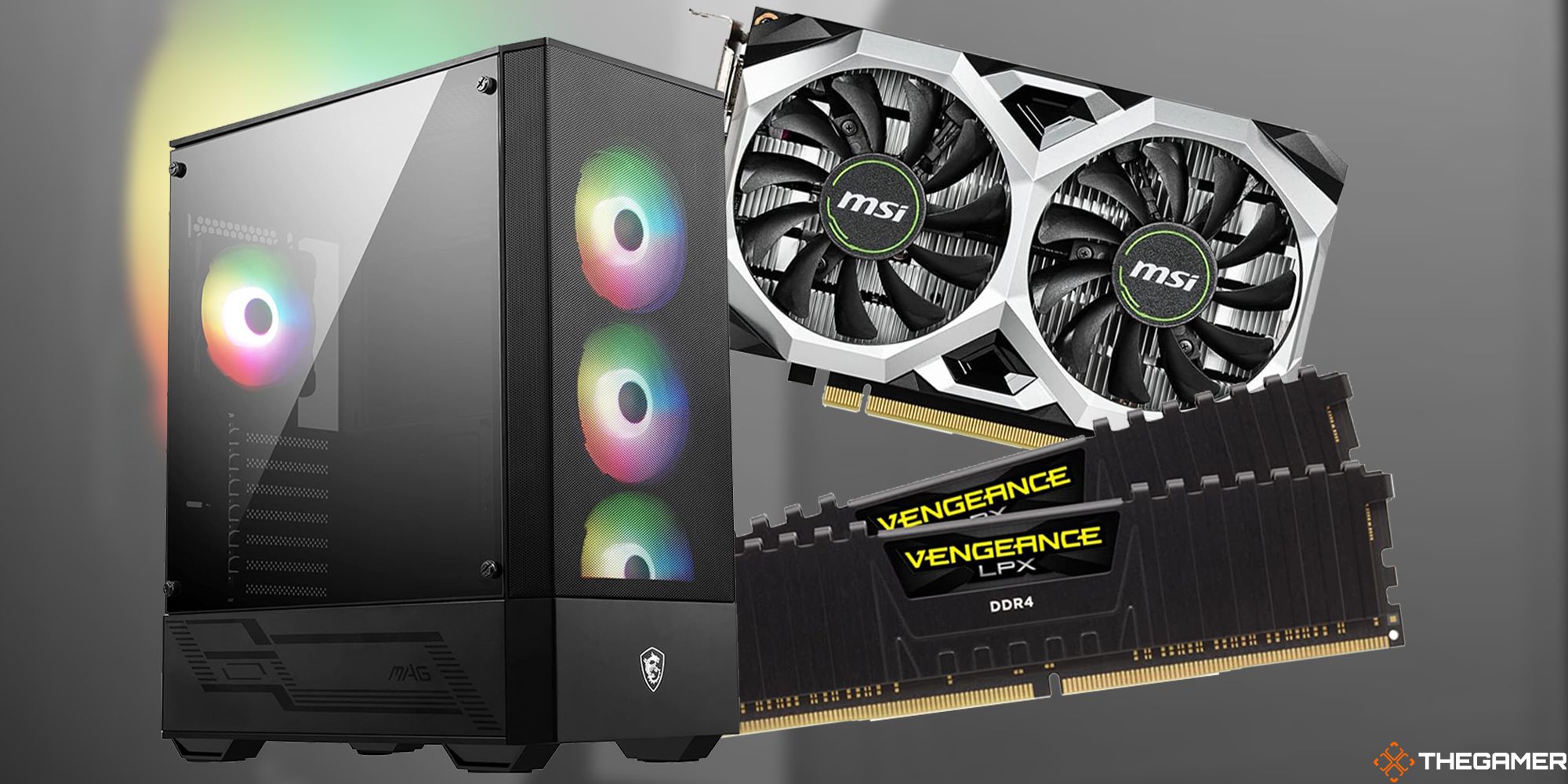
- CPU: 6–8 core modern processor (Ryzen or Intel equivalent).
- GPU: Mid‑range card targeting strong 1080p and decent 1440p.
- RAM: 16–32 GB DDR4 or DDR5, depending on platform.
- Storage: 1 TB NVMe SSD for fast load times.
- Motherboard: Solid mid‑range board with good VRMs and connectivity.
- PSU: 550–650 W 80+ Bronze or better from a reputable brand.
- Case: Airflow‑focused mid‑tower with at least two fans.
Focus less on chasing the flashiest RGB and more on good thermals and reliable power delivery—the things that keep your PC stable during long gaming sessions.

Where to Spend and Where to Save
Spend More On:
- Graphics Card: The single biggest factor in gaming performance.
- Power Supply: Cheap, no‑name PSUs can cause crashes, noise, and even hardware damage.
- Monitor: A smooth, responsive display completes the experience.
Save On:
- Case: Affordable airflow cases perform as well as premium ones if designed well.
- Over‑the‑top cooling: A decent air cooler is usually enough for non‑overclocked CPUs.
- Excessive RGB: Cosmetic extras can always be added later.
Building the PC: High‑Level Steps
If it’s your first time building a gaming PC, don’t worry. The process is easier than it looks:
- Install the CPU and RAM on the motherboard.
- Mount the motherboard in the case.
- Install the power supply and route power cables.
- Slot in the GPU and secure it.
- Install the NVMe SSD and any additional storage.
- Connect front‑panel headers, fans, and case I/O.
Take your time, follow the motherboard manual, and double‑check each connection before the first power‑on.
Operating System and Drivers
Once the hardware is assembled:
- Create a bootable USB installer for your OS of choice.
- Install the OS to your NVMe SSD.
- Download and install the latest GPU drivers.
- Update motherboard chipset drivers and BIOS if required.
Keeping your system updated is a big part of maintaining good performance and stability, especially in new game releases.
Optimising for Gaming Performance
To squeeze the most out of your budget gaming PC build:
- Use your GPU’s control panel (NVIDIA or AMD) to enable features like FreeSync/G‑Sync where supported.
- Adjust in‑game settings to balance visuals and frame rate—turn down ultra‑expensive options like ray tracing on a tighter budget.
- Close heavy background apps when gaming, especially RAM‑hungry browsers or streaming software.
If you’re streaming on platforms like Twitch or YouTube, consider using modern encoders (NVENC or AMD’s equivalent) to offload work from the CPU.
Upgrade Paths for the Next Few Years
A smart budget build in 2025 should leave some headroom:
- GPU upgrades: Plan for a future GPU replacement when new generations release; ensure your PSU and case can handle a more powerful card.
- RAM expansion: Starting with 16 GB and moving to 32 GB later is a common path.
- Storage: Add another SSD or HDD as your game library grows.
By thinking ahead, you ensure that this year’s budget rig can grow into a mid‑range powerhouse over time.
Budget Gaming PC Build 2025 Checklist
- Decide on resolution, refresh rate, and budget.
- Choose a balanced CPU and GPU combo.
- Pick reliable RAM, storage, PSU, and case.
- Assemble carefully, following manuals and static‑safe practices.
- Install OS, drivers, and optimise game settings.
- Plan your upgrade path for GPUs, RAM, and storage.
With a thoughtful parts list and a weekend of building, you’ll end up with a budget gaming PC that feels lightning fast in day‑to‑day use and delivers smooth, immersive gameplay well into the next wave of titles.