TrueNAS SCALE Setup Guide: Build a Powerful Home NAS in Your Homelab
On this page(8 sections)
If you’re ready to centralise your files, backups, and media for the whole household, TrueNAS SCALE is one of the most capable NAS operating systems you can run in a homelab. Built on Linux with the legendary ZFS filesystem, it combines rock‑solid storage with container and VM support—letting you host apps, databases, and services right alongside your file shares.
This TrueNAS SCALE setup guide walks through hardware considerations, installation, pool creation, and basic services so you can build a NAS that’s both powerful and easy to manage.

Choosing Hardware for TrueNAS SCALE
TrueNAS SCALE runs on standard x86‑64 hardware:
- A small form factor PC or server.
- Dedicated NAS chassis with multiple drive bays.
- Repurposed corporate desktops with added storage.
Key considerations:
- RAM: ZFS benefits from plenty of memory; aim for 16 GB+ if possible.
- Storage: Use NAS‑grade HDDs or SSDs; consider mirrored boot devices.
- Networking: Gigabit Ethernet is minimum; 2.5/10 GbE is great for power users.
Avoid cheap, unreliable USB sticks for the OS drive—TrueNAS SCALE is happier on SSDs.
Installing TrueNAS SCALE
High‑level installation steps:
- Download the latest TrueNAS SCALE ISO from the official site.
- Create a bootable USB drive using a tool like Rufus or Etcher.
- Boot your NAS hardware from the USB.
- Follow the installer prompts to select the OS drive (separate from data drives).
- Set a strong root password.
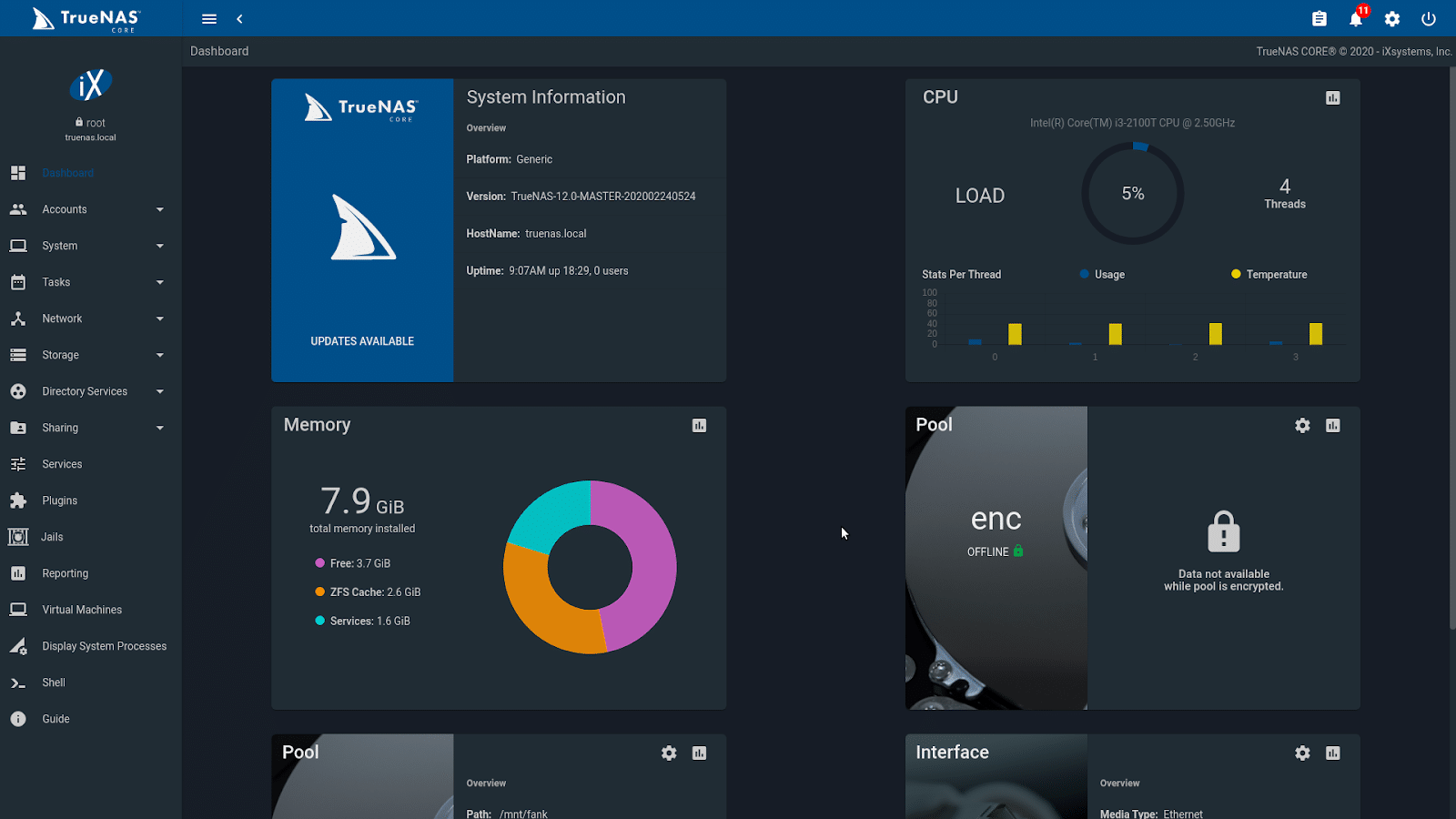
After installation, note the web UI address displayed on the console—usually something like http://192.168.x.x/.

Initial Web UI Setup
From a browser on your LAN:
- Visit the TrueNAS SCALE web interface.
- Log in as
rootwith your chosen password. - Set system settings:
- Hostname and domain.
- Timezone and NTP.
- Email alerts for smart monitoring and failures.
Keeping alerts configured ensures you’ll know about drive issues before they become data‑loss events.
Creating ZFS Storage Pools
ZFS is at the heart of TrueNAS:
- Offers snapshots, checksumming, and self‑healing.
- Supports different redundancy layouts (mirrors, RAIDZ1/2/3).
To create a pool:
- Go to Storage → Pools → Add.
- Select your data drives and choose a layout:
- Mirrors for high performance and simple redundancy.
- RAIDZ for capacity‑efficient redundancy.
- Confirm and create the pool.
You can later create datasets within the pool for different purposes (e.g., backups, media, documents) with their own quotas and settings.
Creating Shares: SMB and NFS
Most home users will want SMB (Windows) shares:
- Create a dataset for your shared data.
- Set appropriate permissions (user/group ownership).
- Go to Sharing → Windows Shares (SMB) and add a new share.
- Enable the SMB service.
For Linux or UNIX clients, NFS shares are also available. You can run both side by side if needed.
Snapshots and Replication
Snapshots are one of the biggest advantages of running ZFS:
- Capture point‑in‑time versions of datasets.
- Protect against accidental deletions or ransomware‑style encryption.
Set up:
- Regular periodic snapshots (e.g., hourly, daily, weekly).
- Retention policies to avoid keeping too many old snapshots.
If you have another TrueNAS system or ZFS‑capable host, you can configure replication to send snapshots offsite or to a secondary NAS for extra resilience.
Apps and Containers on TrueNAS SCALE
Unlike classic TrueNAS CORE, SCALE is built to run apps and containers:
- Browse the built‑in app catalog for common services (media servers, databases, tools).
- Deploy containers without leaving the TrueNAS UI.
- Bind datasets into containers for persistent storage.
This makes TrueNAS SCALE a powerful all‑in‑one platform: it can handle both storage and a good chunk of your homelab’s infrastructure.
TrueNAS SCALE Setup Checklist
- Select reliable hardware with adequate RAM and storage.
- Install TrueNAS SCALE and secure the root account.
- Configure system settings and alerting.
- Create ZFS pools and datasets for your data.
- Set up SMB/NFS shares for your devices.
- Enable snapshots (and replication if available).
- Explore apps and containers to extend your NAS capabilities.
With a solid TrueNAS SCALE setup, your homelab gains a robust, feature‑rich NAS platform that can grow with your data and service needs for many years.