Best Jellyfin Plugins and Themes for 2026: The Must-Have List

On this page(8 sections)
The best Jellyfin plugins in 2026 are Intro Skipper, Jellyfin Enhanced, Media Bar Enhanced, Playback Reporting, Open Subtitles, Fanart and Trakt, plus LDAP or SSO if you share your server. For looks, ElegantFin, Ultrachromic and JellyFlix are the popular Custom CSS themes. Below you'll find how to install plugins and themes, what each one does, which old plugins are now built into Jellyfin, and how to keep everything working through the big Jellyfin 12 upgrade.
What's Built Into Jellyfin Now (Skip These Old Plugins)
Many "best plugins" lists are years out of date and still recommend plugins that Jellyfin has since absorbed. Before installing anything, check this table:
| Feature | Old plugin | Status on 10.11 and 12 |
|---|---|---|
| Scrubbing thumbnails (trickplay) | Jellyscrub | Built in since 10.9. Enable trickplay in each library's settings. |
| Skip Intro button | Intro Skipper's own button | Built in since 10.10 via Media Segments. You still need a plugin to detect the intros. |
| Books and comics | Bookshelf | Built in since 12.0. The plugin is deprecated. |
| Movie collections | TMDb Box Sets | Library option Automatically add to collection does this on current versions. |
| SyncPlay, Quick Connect, lyrics | Various | Built in. No plugin needed. |
How to Install Jellyfin Plugins
Jellyfin plugins come from repositories: JSON manifests that list available plugins and their versions. Jellyfin ships with the official repository, and you can add third-party ones.
From the official catalog
- Go to Dashboard → Plugins → Catalog.
- Find the plugin (Playback Reporting, Open Subtitles, Fanart, Trakt, LDAP and others live here), click it, then Install.
- Restart Jellyfin (Dashboard → Restart, or
docker restart jellyfin). - Configure it under Dashboard → Plugins → My Plugins.
Adding third-party repositories
- Go to Dashboard → Plugins → Repositories (on some versions, a Manage Repositories button in the Catalog) and click +.
- Give it a name and paste the manifest URL from the plugin's GitHub page. For example, Intro Skipper's is:
https://intro-skipper.org/manifest.json - Save, go back to the Catalog, install the plugin and restart.
Good repositories are version-aware: they serve the build that matches your Jellyfin version. Only add repositories from the plugin author's official GitHub page. A plugin runs with full server access, so be wary of "universal" repos that aggregate dozens of unvetted plugins.
Updating and removing plugins
Updates appear under My Plugins, and Jellyfin can auto-update them. To remove one, select it in My Plugins → Uninstall, then restart. If a broken plugin stops Jellyfin from starting, stop the server, move that plugin's folder out of config/plugins/, and start it again.
Don't have Jellyfin running yet? Our Ultimate 2026 Media Stack guide walks through the whole setup, and Plex vs Jellyfin helps if you're still deciding.
The Best Jellyfin Plugins in 2026

Here's the short list, then a closer look at each.
| Plugin | What it does | Source | Who needs it |
|---|---|---|---|
| Intro Skipper | Detects intros and credits for the Skip button | Third-party | Anyone who watches TV shows |
| Jellyfin Enhanced | Badges, ratings, shortcuts, Seerr requests | Third-party | Everyone |
| Media Bar Enhanced | Netflix-style featured banner | Third-party | Families, "wow factor" |
| Home Screen Sections | Extra home rows (e.g. "Because you watched") | Third-party | Big libraries |
| Playback Reporting | Who watched what, when, and how | Official | Shared servers |
| Open Subtitles | Downloads missing subtitles | Official | Non-native speakers, late-night viewers |
| Fanart | Logos, clear art and banners | Official | Anyone using a theme |
| Trakt | Syncs watch history with Trakt | Official | Trakt users |
| LDAP / SSO | Central logins | Official / third-party | Homelabs with Authentik, Authelia or Keycloak |
| Kodi Sync Queue | Keeps Kodi in sync with Jellyfin | Official | Kodi users |
| Webhook | Sends events to Discord, ntfy, Home Assistant | Official | Notification fans |
Intro Skipper
The plugin people install first. Intro Skipper analyses the audio of your TV episodes, finds the shared intro (and end credits), and saves them as Media Segments. Jellyfin then shows its native Skip Intro button, and you can make skipping automatic per user.
- Add the repository above and install it from the Catalog.
- The first analysis runs as a scheduled task and is CPU-heavy on a big library. On a low-power N100 it can take a while, so let it run overnight.
- Official Jellyfin clients and a growing number of third-party apps show the native skip button. Jellyfin Enhanced adds an
Oshortcut to skip in the browser.
Jellyfin Enhanced
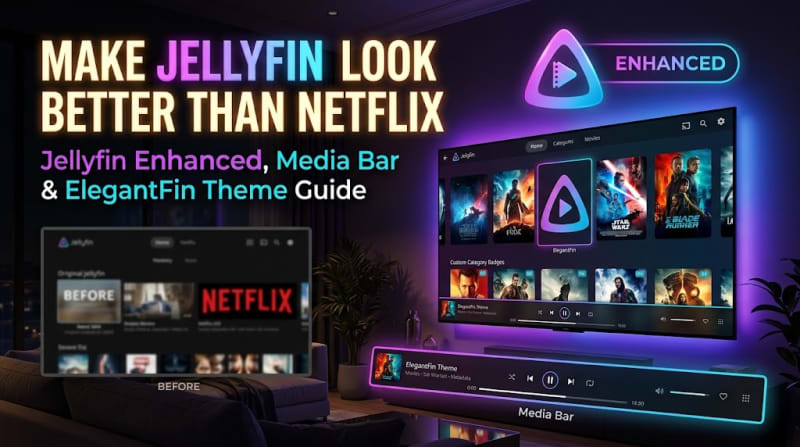
Jellyfin Enhanced (by n00bcodr) is the biggest all-in-one upgrade: quality badges on posters (4K, HDR, Dolby Vision, Atmos), TMDB and Rotten Tomatoes ratings, a cinematic pause screen, bookmarks, keyboard shortcuts, Spoiler Guard, and one-click Seerr requests from Jellyfin's search. It supports both 10.11 and 12, but 12 uses a separate manifest URL, so check the project README after upgrading.
We cover setup and the best settings in detail in our Jellyfin Enhanced, Media Bar and ElegantFin guide. For the request side, see our Seerr + Jellyfin setup guide.
Media Bar Enhanced (and File Transformation)
Media Bar Enhanced puts a large rotating banner with backdrops, logos, trailers and a Play button at the top of the home screen. It's the single change that makes Jellyfin feel like a streaming service.
Install File Transformation (by IAmParadox27) alongside it. Plugins that change the web UI normally need to rewrite Jellyfin's index.html, which fails in many Docker setups. File Transformation does the changes in memory instead, and other UI plugins rely on it too. The install steps and the best banner settings are in the ElegantFin and Media Bar guide.
Home Screen Sections
From the same developer as File Transformation, Home Screen Sections lets you add and reorder rows on the home screen, such as "Because you watched…", "Latest movies" or genre rows. It's a good fit for large libraries, where the default home screen buries half your content. It needs File Transformation installed.
Playback Reporting
An official plugin that logs every playback: user, device, client, what was played, for how long, and whether it was direct play or transcoding. You get activity charts and a "most watched" view.
It's great for troubleshooting: if one TV keeps transcoding 4K files, you'll see it here and can fix the client settings instead of buying a bigger CPU.
Open Subtitles
The official Open Subtitles plugin downloads missing subtitles automatically or on demand from the player's subtitle menu. You need a free opensubtitles.com account, entered in the plugin settings. Free accounts have a daily download limit.
Already running the *arr stack? Bazarr is the more powerful option for automatic subtitles across many providers. The plugin is still handy for one-off "find me a subtitle now" moments.
Fanart
The official Fanart plugin pulls artwork from fanart.tv: clear logos, clear art, banners, disc art and extra backdrops. This matters more than it sounds. Themes like ElegantFin and the Media Bar look best with title logos, and many titles only have them on fanart.tv.
After installing, enable Fanart as an image fetcher in each library's settings, then refresh metadata (Replace missing images) on the library.
Trakt
The official Trakt plugin scrobbles what you watch to your Trakt account and can sync watched states both ways. It's great if you also watch on other platforms, or want Trakt's stats and recommendations. Each Jellyfin user links their own Trakt account.
LDAP Authentication and SSO
Sharing Jellyfin with friends and family? Central logins save headaches:
- LDAP Authentication (official) checks logins against an LDAP directory such as Authentik's LDAP outpost, LLDAP or Active Directory.
- SSO Authentication (third-party, by 9p4) adds OpenID Connect and SAML, so users click "Sign in with Authentik" or "Sign in with Keycloak".
Both handle user creation and can map groups to admin or library access. Jellyfin 12 removed several deprecated authentication methods, so make sure you're on a release built for your server version.
Kodi Sync Queue
If anyone in the house uses Kodi with the Jellyfin for Kodi add-on, install Kodi Sync Queue. It tracks library changes so Kodi syncs quickly on startup instead of rescanning everything.
Webhook
The official Webhook plugin sends events (item added, playback started, user locked out) to Discord, Gotify, ntfy, Slack, or any URL, including a Home Assistant webhook. A popular use is a "New on the server" Discord channel, or dimming the living-room lights when a movie starts.
Best Jellyfin Themes (Custom CSS)
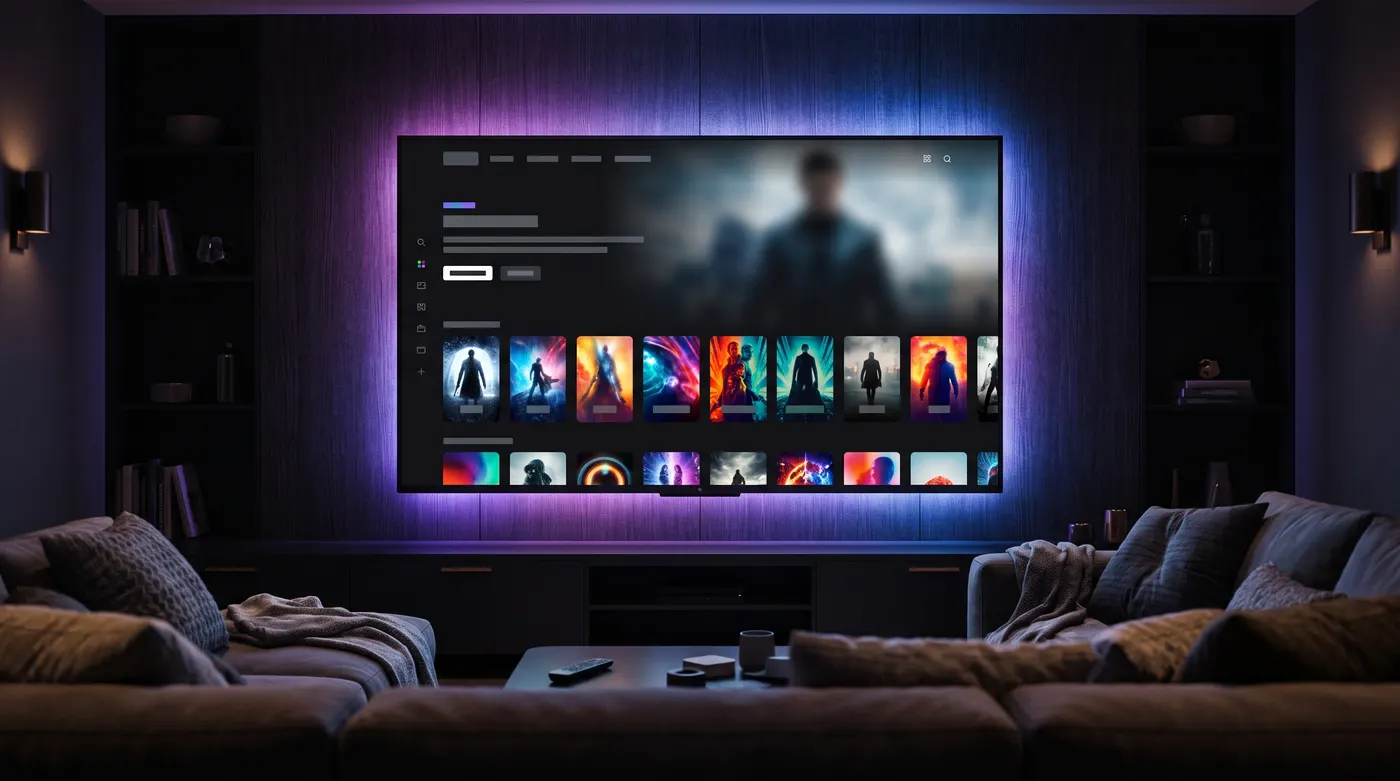
Jellyfin themes are just CSS files. You paste one @import line into Custom CSS, and the web UI changes instantly: no plugin, no restart, and it's easy to undo.
| Theme | Look | Best for | Notes |
|---|---|---|---|
| ElegantFin (lscambo13) | Polished, modern dark UI | Most people | Actively developed; has a Media Bar add-on |
| Ultrachromic (CTalvio) | Modular, colourful accents | Tinkerers | Ships presets; set your own accent colours |
| JellyFlix (prism2001) | Netflix clone | Families coming from Netflix | Red accents, Netflix-style cards |
| Finimalism | Clean, minimal | Minimalists | Light touch on the stock layout |
| Catppuccin | Soft pastel palettes | Catppuccin fans | Latte, Frappé, Macchiato and Mocha flavours |
| JellySkin | Glassy, colourful | Trying something different | Check it's still maintained for your version |
ElegantFin
Our top pick. It refines almost everything (cards, spacing, the login page, detail pages) without feeling like a different app, and it plays nicely with Jellyfin Enhanced and the Media Bar. The install line, recommended settings and the Media Bar add-on are all in our ElegantFin guide.
Ultrachromic
Ultrachromic is a modular theme: you import a base and then choose parts and colours, or start from one of its presets. It's the one to pick if you want to fine-tune accent colours and styles without writing CSS from scratch. Copy the import lines from the project's README.
JellyFlix
As the name suggests, JellyFlix makes Jellyfin look like Netflix: dark background, red accents, familiar cards. Great for winning over family members who "just want it to look like Netflix".
Finimalism, Catppuccin and JellySkin
- Finimalism keeps Jellyfin's layout but strips it back to something cleaner and calmer.
- Catppuccin brings the popular pastel colour scheme, matching your terminal and code editor if you already use it.
- JellySkin is a more stylised, glassy look. It's older, so check recent commits before relying on it.
Prefer clicking to pasting? The Skin Manager plugin offers a menu of themes to install. Check that it supports your Jellyfin version before installing it.
How to Apply a Jellyfin Theme
Server-wide (all users)
- Go to Dashboard → Branding (10.11 and newer; older versions have it under General).
- Paste the theme's
@importline at the very top of Custom CSS. - Add any of your own tweaks below the imports, then Save and refresh.
/* 1. Theme import(s) always go first */
@import url("https://cdn.jsdelivr.net/gh/lscambo13/ElegantFin@main/Theme/ElegantFin-jellyfin-theme-build-latest-minified.css");

/* 2. Your own tweaks go below */
.cardText {
  font-size: 0.95em;
}
Per user
Each user can paste a theme into User Settings → Display → Custom CSS instead, and there's an option there to ignore the server's custom CSS. That way the kids can have JellyFlix while you keep ElegantFin.
Pin the version
Most themes are loaded from jsDelivr with @main, which always pulls the newest code. That's convenient, but a theme update can change your UI overnight. For a stable setup, replace @main with a specific release tag from the theme's GitHub releases page, and bump it when you choose to.
Which apps show themes?
Themes only appear in clients that use Jellyfin's web interface: browsers, the official Android and iOS apps, and some TV apps such as LG webOS. Android TV, Fire TV, Roku and most third-party apps (Swiftfin, Findroid, Streamyfin, Infuse) draw their own UI and ignore Custom CSS. The full client compatibility table is in our ElegantFin guide.
Theme not showing? Hard-refresh with Ctrl+F5, or sign out and back in on mobile apps to clear the cached CSS.
Keeping Plugins and Themes Working Through Upgrades
Plugins hook deep into the server, so major Jellyfin upgrades are when things break. Jellyfin 12.0 (released in September 2026, replacing what would have been 10.12) is the big one right now.
What changed in Jellyfin 12 for plugins and themes
- You can only upgrade from 10.10.7 or 10.11.x. Older servers need an intermediate upgrade.
- Third-party plugins must be removed before upgrading. Jellyfin 12 runs on .NET 10, and plugins built for 10.11 won't load. Official plugins were updated in time; third-party ones need new releases from their authors.
- Legacy
/emby/and/mediabrowser/API routes and deprecated authentication methods were removed, which affects some old clients and plugins. - The "Modern" layout is now the default. Many CSS themes were built for the classic layout (now called Legacy). If a theme looks broken, switch User Settings → Display → Display Mode to the Legacy option.
A safe upgrade checklist
- Back up your Jellyfin
configfolder (or snapshot the VM/LXC in Proxmox). - Check every third-party plugin's GitHub releases for a version that supports your target Jellyfin version. If a plugin you rely on isn't ready, wait.
- Note your settings and Custom CSS, then uninstall the third-party plugins (required for 12).
- Upgrade Jellyfin. In Docker, pin a specific version tag rather than
latest, so upgrades happen when you decide. - Re-add repositories (some, like Jellyfin Enhanced, use a new manifest URL for 12), reinstall plugins, restart, and run a full library scan.
- Hard-refresh browsers and re-check your theme.
If a plugin shows "Not Supported" or "Malfunctioned" under My Plugins, it doesn't match your server version: update it, or remove it until a compatible release appears. Running your server on Proxmox? Snapshots make this painless; see our Proxmox on N100 setup guide.
FAQ
Where do I add Custom CSS in Jellyfin 10.11?
Dashboard → Branding → Custom CSS. It moved there from the General page in 10.11. Paste theme @import lines at the top, save, and refresh the page.
Do Jellyfin themes work on Android TV or Roku?
No. Those apps draw their own interface and ignore Custom CSS. Themes work in browsers, the official mobile apps and web-based TV apps like LG webOS. Server-side plugin features, such as Intro Skipper's segments or Jellyfin Enhanced's Spoiler Guard, still work everywhere.
Does Jellyfin have a skip intro button without plugins?
Jellyfin has a native Skip button since 10.10, powered by Media Segments, but it needs something to detect the intros. Install Intro Skipper to analyse your episodes and the native button appears.
Is Jellyscrub still needed?
No. Trickplay (thumbnail previews when scrubbing) has been built into Jellyfin since 10.9. Turn it on in each library's settings and let the scheduled task generate the images.
Are Jellyfin plugins safe?
Official plugins are maintained by the Jellyfin team. Third-party plugins are community code with full access to your server, so stick to popular, open-source projects, add repositories only from the author's own GitHub page, and keep backups before upgrades.
Why did my plugins disappear after updating to Jellyfin 12?
Plugins built for 10.11 can't load on Jellyfin 12, which runs on .NET 10. Reinstall each plugin from its repository once the author has released a version for 12 (some use a new manifest URL).
Conclusion
A great Jellyfin setup in 2026 needs only a handful of plugins: Intro Skipper for the skip button, Jellyfin Enhanced and Media Bar Enhanced for polish, Playback Reporting and Fanart behind the scenes, and LDAP or SSO if you share your server. Add ElegantFin (or JellyFlix for the Netflix crowd) through Custom CSS, pin your versions, and check plugin compatibility before every major upgrade, especially the jump to Jellyfin 12.
Building out the rest of your homelab? Back up the family photos with our Immich Docker Compose guide, and add one-click requests with Seerr.