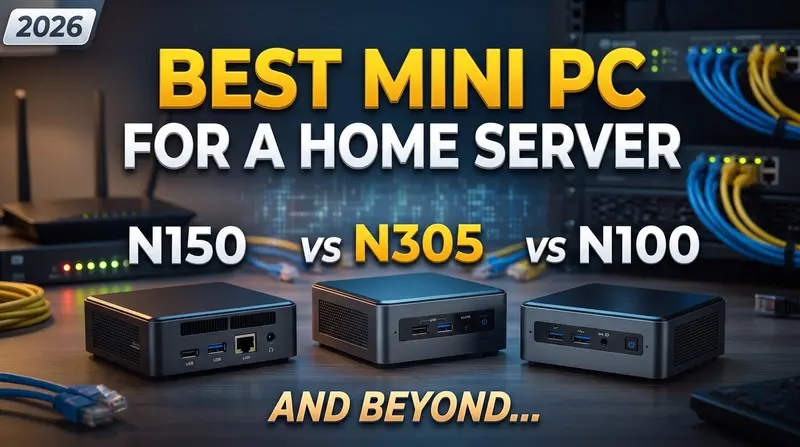
OPNsense vs pfSense in 2026: Which Firewall Should Run on Your N100?

On this page(10 sections)
For most homelabs in 2026, OPNsense is the better choice for an N100 firewall: it is fully open source, gets updates every couple of weeks, and puts WireGuard, CrowdSec and Zenarmor a few clicks away. pfSense is still rock solid with a huge body of tutorials, but the free CE edition updates slowly and the more polished pfSense Plus now costs money on your own hardware. Both run happily on the same mini PC, so the decision is about software, not hardware.
If you have already decided and just want the build, jump to our OPNsense on N100 mini PC router guide. Otherwise, here is the full comparison.
Quick Verdict: OPNsense vs pfSense at a Glance
| OPNsense | pfSense CE | pfSense Plus | |
|---|---|---|---|
| Licence | Open source (BSD 2-clause) | Open source (Apache 2.0) | Proprietary |
| Cost on your own hardware | Free | Free | Paid subscription |
| Major releases | Twice a year (January and July) | Infrequent, often a year or more apart | Several per year |
| Minor updates | Roughly every two weeks | Rare between releases | Patch releases as needed |
| Base OS | FreeBSD (15.1 in 26.7) | FreeBSD | FreeBSD |
| Web UI | Modern, searchable, widget dashboard | Classic, dense, very familiar | Same as CE with extras |
| WireGuard | Built in | Package | Package |
| Tutorials and community | Large and growing | Huge, years of guides | Huge, plus Netgate support |
| Best for | Most homelabs | Users following older guides | Netgate appliance owners |
Why Are There Two of Them?
pfSense started in 2004 as a fork of m0n0wall, and for a decade it was the open-source firewall. In 2015, Deciso, a Dutch company that built pfSense hardware, forked it to create OPNsense. The reasons were partly technical (they wanted a cleaner codebase, a modern UI framework and faster security patching) and partly about licensing and direction.
The two projects have drifted apart since. Under the hood they still share a lot: FreeBSD, the pf packet filter, Unbound for DNS, and similar concepts for interfaces, rules, NAT and VLANs. If you learn one, you can find your way around the other within an afternoon.
Licensing in 2026: CE, Plus and Fully Open Source
This is the section that has changed most over the past few years, and it is the main reason many homelabbers have moved to OPNsense.
pfSense CE (Community Edition)
pfSense CE is free and open source. It is a perfectly capable firewall, but Netgate's attention clearly sits with Plus. CE releases are infrequent: the 2.7 series arrived in 2023, and 2.8.x followed in 2025. Between major releases you get few updates, so security fixes for bundled components can take a while to land.
pfSense Plus
pfSense Plus is Netgate's commercial, closed-source branch. It ships on Netgate's own appliances and gets new features first (some only appear in Plus). Release versions follow a year-month scheme, and the 26.x releases are current at the time of writing.
The catch for homelabbers: Netgate's free Home+Lab programme for running Plus on your own hardware has ended. Running Plus on a generic N100 box now needs a paid subscription. Third-party sources put the Home+Lab tier at around $129 per year, but check Netgate's store for the current price and terms before you plan around it.
OPNsense
OPNsense is fully open source under the BSD 2-clause licence, with no paid tier needed for home use. There are two major releases each year: 26.1 in January and 26.7 in July 2026, the latter moving to FreeBSD 15.1. Minor updates land roughly every two weeks, so security patches arrive quickly.
Deciso sells an optional Business Edition with commercial support and a more conservative update train, but the free Community Edition is the full product. Nothing you need in a homelab is locked behind a paywall.
User Interface and Day-to-Day Use
OPNsense: modern and searchable
OPNsense's interface feels like a modern web app. The menu is searchable (type "WireGuard" and jump straight there), the dashboard uses configurable widgets, and more of the system is built on an MVC framework with a matching API. In 26.7, interface assignments and firewall rules moved onto that newer framework, which makes automation and backups cleaner.
The downside of rapid development is that menus occasionally move. Guides from 2021 may not match what you see today.
pfSense: classic and familiar
pfSense's UI has barely changed in years, and that is both its weakness and its strength. It looks dated and some pages are long and dense, but almost every forum post, YouTube video and blog tutorial from the last decade still matches what you see on screen. Netgate's official documentation is also excellent and thorough.
Which is easier for beginners?
Honestly, neither is hard to start with. The default install on both gives you a working NAT router with WAN blocked and LAN allowed. OPNsense is a little easier to explore thanks to the search box and tidier menus; pfSense is a little easier to follow along with because more tutorials match it exactly.
Updates, Security and Rollbacks
| OPNsense | pfSense CE | pfSense Plus | |
|---|---|---|---|
| Update cadence | Minor releases roughly fortnightly | Major releases only | Regular releases and patches |
| Security patch speed | Fast | Slow between releases | Fast |
| Rollback after a bad update | ZFS snapshots on ZFS installs | Manual (backup and restore) | Boot environments on ZFS |
| Config backup | XML export, optional cloud/Git backup | XML export | XML export, Netgate tools |
Whichever you choose, install on ZFS if your SSD allows it. It makes snapshots and recovery much less stressful. And before every major upgrade, download a configuration backup from the web UI.
Plugins and Packages Compared
Both firewalls can be extended. OPNsense calls them plugins, pfSense calls them packages.
| Feature | OPNsense | pfSense |
|---|---|---|
| WireGuard VPN | Built into core | WireGuard package |
| Tailscale | os-tailscale plugin | Tailscale package |
| OpenVPN / IPsec | Built in | Built in |
| IDS/IPS | Suricata built in (Intrusion Detection) | Suricata or Snort packages |
| CrowdSec | os-crowdsec plugin | Supported via CrowdSec's own package |
| Zenarmor (L7 / app filtering) | First-class plugin, its home turf | Available; check Zenarmor's support matrix |
| DNS ad and malware blocking | Unbound blocklists built in | pfBlockerNG (excellent) |
| Reverse proxy | Caddy, HAProxy, nginx plugins | HAProxy package |
| ACME / Let's Encrypt | os-acme-client | ACME package |
| Traffic monitoring | Insight, ntopng plugin | ntopng package, RRD graphs |
| UPS (NUT) | Plugin | Package |
Where OPNsense wins
WireGuard in core means no extra package to break during upgrades. CrowdSec gives you crowd-sourced IP reputation blocking that is light enough for an N100. Zenarmor adds application-aware filtering and nice per-device reports, with a free tier for home use. The built-in Caddy plugin is a tidy way to put a reverse proxy with automatic HTTPS right on the firewall, though many people prefer running one inside the homelab instead (see our Traefik reverse proxy guide).
Where pfSense wins
pfBlockerNG is still the gold standard for IP and DNS blocklists on a firewall, with GeoIP blocking and a polished UI. OPNsense's built-in Unbound blocklists cover the DNS side well, but pfBlockerNG fans tend to miss it. If you already run Pi-hole for network-wide ad blocking, this matters less, since you can keep DNS filtering off the firewall entirely.
Hardware Support on an N100 Mini PC
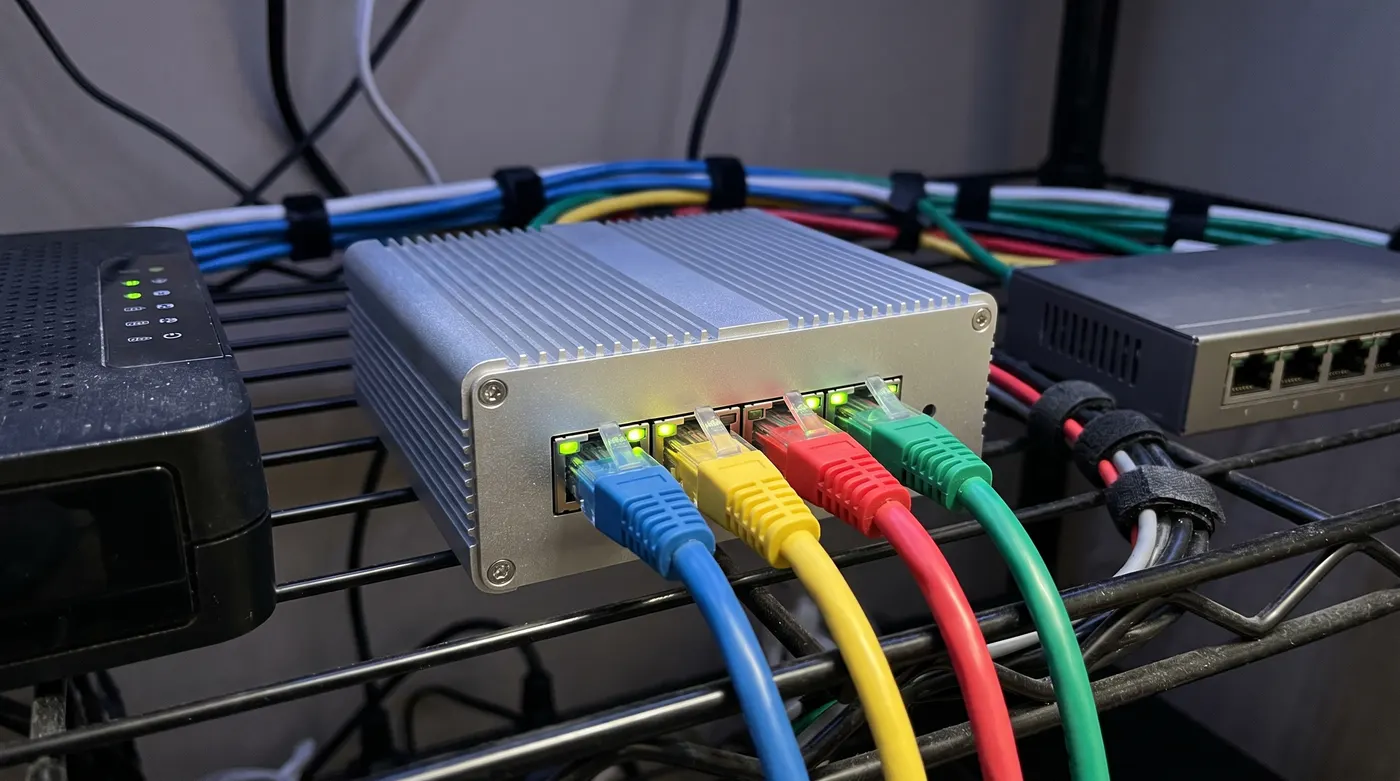
Because both run FreeBSD, hardware support is nearly identical. A few practical points for N100 and N150 boxes:
Network cards
- Intel i226-V 2.5GbE ports are the safe choice and work out of the box on both.
- Realtek NICs work but have historically been less reliable on FreeBSD. OPNsense offers a plugin with Realtek's vendor driver that helps; on pfSense, Intel is strongly preferred.
- Wi-Fi support on FreeBSD is weak. Use a separate access point rather than a Wi-Fi card in the firewall.
CPU and RAM
An N100 is plenty for plain routing, NAT, VLANs and VPN at gigabit and 2.5G speeds, at around 8–12W. The jobs that eat CPU are inline IDS/IPS (Suricata) and Zenarmor. With large rulesets these can cut throughput sharply on a quad-core chip, often well below line rate on a multi-gig connection. If you plan to inspect traffic on anything faster than about 1 Gbps, an N305 or N355 is worth considering. Our mini PC buyer's guide compares the options.
For RAM, 8 GB is enough for a basic firewall, while 16 GB gives comfortable headroom for Suricata, Zenarmor's local database and ntopng.
Bare metal or virtualised?
Both run well as a VM in Proxmox, using either passed-through NICs or Linux bridges. It is a fun way to consolidate, but it means your internet goes down whenever the Proxmox host reboots. For a household that depends on the connection, a dedicated low-power box is less hassle. If you do virtualise, our Proxmox on N100 guide covers the host setup.
Power and hardware picks for these boxes are covered in the N100 power consumption guide.
Which Should You Pick for Your Homelab?
Choose OPNsense if:
- You are building a new firewall on an N100, N150 or similar mini PC
- You want frequent security updates without paying for a subscription
- You want WireGuard, Tailscale, CrowdSec or Zenarmor with minimal fuss
- You prefer a fully open-source stack
Choose pfSense CE if:
- You already run it and it works (there is no urgent reason to migrate)
- You are following a specific course, book or video series built on pfSense
- You rely heavily on pfBlockerNG
Choose pfSense Plus if:
- You bought a Netgate appliance, which includes Plus
- You want vendor support and are happy to pay for it
For the typical "N100 box replacing an ISP router" homelab, our pick is OPNsense. Follow the OPNsense N100 router build for installation and basic WAN/LAN setup, then work through the home network security fundamentals to add VLANs for IoT devices and guests.
FAQ
Is OPNsense better than pfSense for home use?
For most new home builds, yes. OPNsense is fully open source, updates more often, has a more modern UI, and bundles WireGuard in core. pfSense is not worse at the core job of firewalling, though, and its CE edition remains a fine choice if you already know it.
Is pfSense still free in 2026?
pfSense CE is still free and open source. pfSense Plus is free only on Netgate hardware; on your own mini PC it needs a paid subscription since the free Home+Lab programme ended. Check Netgate's store for current pricing.
Can an N100 run OPNsense with Suricata or Zenarmor?
Yes, and for connections up to about gigabit it is a reasonable setup. Expect throughput to drop noticeably with large IPS rulesets or Zenarmor's deeper inspection, especially on multi-gig lines. Start with a small ruleset, measure, and step up to an N305 or N355 if you need inspection at 2.5G.
Can I run OPNsense or pfSense in Proxmox?
Yes. Both work well as VMs, ideally with NICs passed through or dedicated bridges for WAN and LAN. Just remember the firewall, and so your internet, goes offline whenever you reboot the host.
Does OPNsense support Tailscale and WireGuard?
WireGuard is built into OPNsense core, and Tailscale is available as the os-tailscale plugin. pfSense supports both through packages. For which one to use for remote access, see our Tailscale vs WireGuard comparison.
Can I switch from pfSense to OPNsense without starting over?
Not cleanly. Both use XML config files, but the formats are not compatible and there is no supported one-click migration. Plan to rebuild interfaces, rules and services by hand. On a typical home network that takes an evening, and it is a good chance to clean up old rules.
Conclusion
OPNsense vs pfSense used to be a coin toss. In 2026, with pfSense Plus behind a subscription on your own hardware and CE updating slowly, OPNsense is the default recommendation for an N100 homelab firewall. pfSense remains excellent, especially if you already know it or own Netgate hardware, but for a new build, OPNsense gives you more for less.
Ready to build? Start with our OPNsense on N100 mini PC guide.