Best OBD2 Scanners for DIY Mechanics (2026): Bluetooth & Handheld
On this page(10 sections)
The best OBD2 scanner for most DIY mechanics is a quality Bluetooth adapter like the OBDLink MX+ or BlueDriver paired with your phone: around $100–$140, no mandatory subscription, and enough data to diagnose most check engine lights. On a tight budget, a $25 Veepeak adapter and the free Car Scanner app get you surprisingly far, and if you need bidirectional tests and service resets, step up to an Autel, Launch or Topdon handheld. VW, BMW and Ford owners should also look at brand-specific tools like OBDeleven, VCDS or FORScan.
Quick Picks: Best OBD2 Scanners at a Glance
| Pick | Type | Approx. Price (USD) | Works With | Best For |
|---|---|---|---|---|
| OBDLink MX+ | Bluetooth dongle | $110–$140 | iOS, Android, Windows | Best all-rounder, works with FORScan and BimmerCode |
| BlueDriver Bluetooth Pro | Bluetooth dongle + free app | $100–$120 | iOS, Android | Beginners, plain-English repair reports |
| OBDLink CX | Bluetooth LE dongle | $70–$90 | iOS, Android | Compact everyday adapter, BMW/MINI coding |
| Veepeak OBDCheck BLE | ELM327-compatible dongle | $20–$35 | iOS, Android | Budget live data with Car Scanner or OBD Fusion |
| Autel AutoLink AL319 | Basic handheld | $20–$35 | Standalone | Glovebox code reader |
| Autel MaxiLink ML629 / Foxwell NT630 Plus | Handheld with ABS/SRS | $100–$160 | Standalone | Clearing ABS and airbag lights |
| Autel MK808S / Launch CRP / Topdon ArtiDiag | Bidirectional tablet or handheld | $350–$700 | Standalone | Serious DIYers: active tests and service resets |
| OBDeleven 3 | Brand-specific dongle | $80–$130 + plans | iOS, Android | VW Group, BMW, Toyota and more: coding and resets |
| VCDS HEX-V2 | Brand-specific cable | from $199 | Windows | Deep VW/Audi diagnostics |
Prices are typical street prices and vary with sales and bundles. Features change with app updates, so check coverage for your exact make and model year before buying.
The Four Tiers of OBD2 Scanners
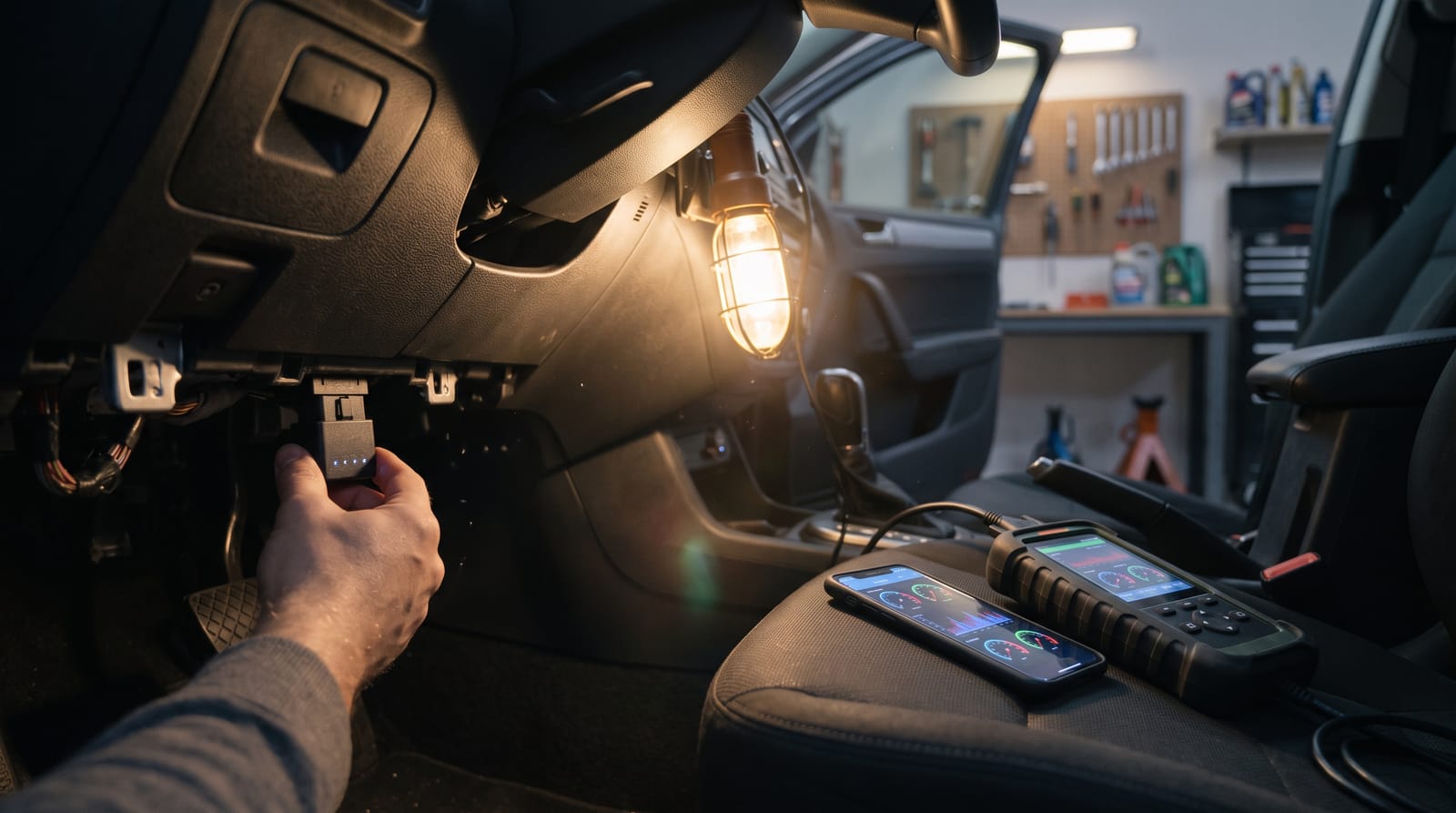
Every car sold in the US since 1996 (and petrol cars in Europe since around 2001) has a standard OBD2 port, usually under the dashboard near the steering column. What you can see through that port depends on the tool you plug in. We covered the basics in understanding OBD-II diagnostics; here's how the market breaks down in 2026.
1. Basic Code Readers ($20–$60)
Small handhelds with a cable and a screen. They read and clear engine (P-codes) and generic codes, show readiness monitors and freeze frame data, and some display basic live data.
- Good: No phone, app or account needed. Ideal for the glovebox.
- Limits: Engine and emissions only (no ABS, airbag or TPMS), and the tiny screen makes live data painful.
2. Bluetooth Dongle + App ($20–$140)
An adapter lives in the OBD2 port and talks to a phone app. This is the sweet spot for most home mechanics: big screen, graphs and logging.
- Good: Cheap, portable, great for live data and logging while driving.
- Limits: Capability depends entirely on the app. A $20 adapter with a great app beats a $100 adapter with a bad one.
3. Enhanced and Bidirectional Handhelds ($100–$800+)
These range from mid-tier handhelds that add ABS and SRS (airbag) codes to Android-based tablets that can talk to nearly every module in the car, run bidirectional tests and perform dealer-style service functions.
- Good: Full-system scans, active tests, relearns and resets in one standalone tool.
- Limits: Price, and update subscriptions after the first year or two.
4. Brand-Specific Tools
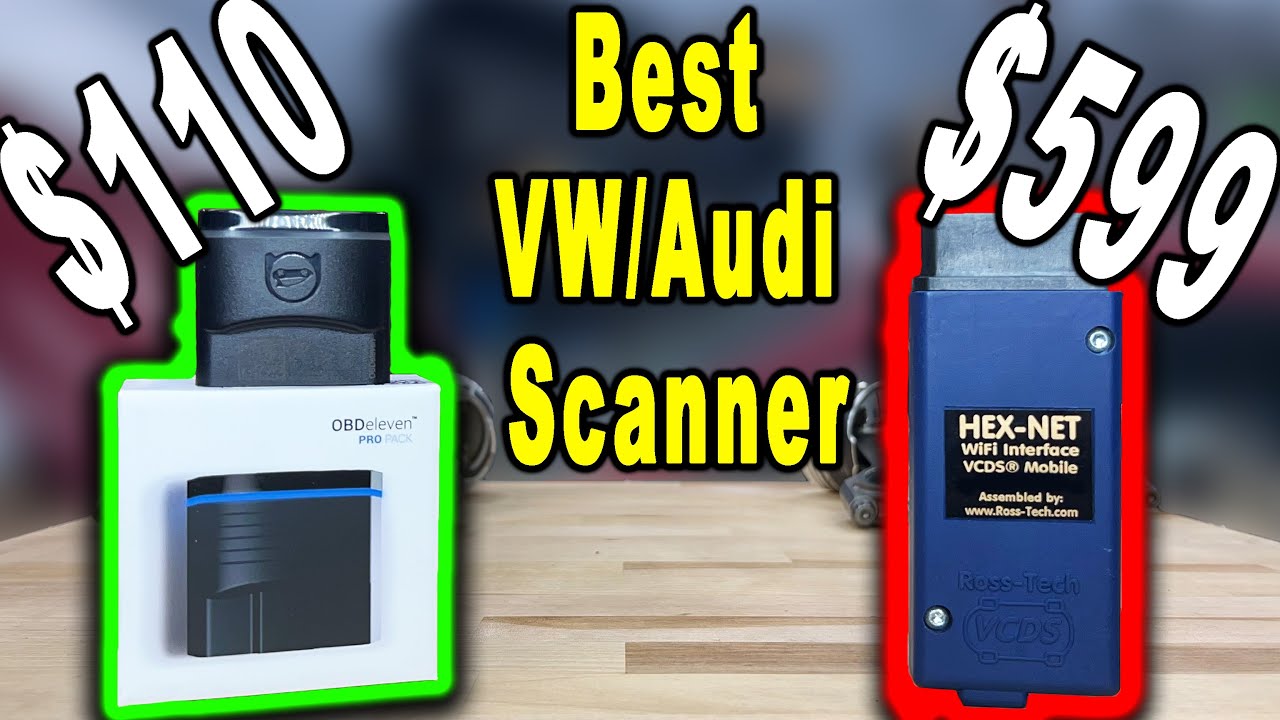
Tools like OBDeleven and VCDS for the VW Group, FORScan for Ford and Mazda, and BimmerCode/BimmerLink for BMW go deeper on one brand than any generic scanner. They can change module coding (enable features, adjust lighting behaviour) as well as diagnose. We compared the two big VW tools in detail in OBD11 vs VCDS.
Features That Actually Matter
ABS, SRS and TPMS Coverage
Generic OBD2 only covers emissions-related systems. If you want to read why your ABS, airbag or tyre pressure light is on, you need a tool with enhanced or manufacturer-specific coverage for your make. This is the single biggest difference between a $20 reader and a $120 one.
Live Data, Freeze Frame and Mode 6
Codes tell you what failed; live data tells you why. Look for graphing of multiple PIDs at once (fuel trims, O2 sensors, coolant temperature, MAF), recording, and export to CSV. Mode 6 data shows the results of the car's own self-tests, including per-cylinder misfire counts, which can catch a failing coil before it sets a code.
Bidirectional Controls
A bidirectional scanner doesn't just listen; it commands. It can cycle the ABS pump for a brake bleed, turn on the cooling fans, open the EVAP purge valve or run an injector balance test. For diagnosing components without pulling them, this is a huge time saver. For reading codes and clearing a check engine light, you don't need it.
Service Resets and Relearns
Common ones worth having on a DIY tool:
- Oil service light reset
- Electric parking brake (EPB) service mode, which you need for rear pads on many modern cars (see our DIY brake pad replacement guide)
- Steering angle sensor (SAS) calibration after alignment work
- Battery registration on BMW, VW and others after a battery swap
- Throttle body relearn, DPF regeneration and TPMS sensor relearn
Subscriptions and Update Fees
This is where the real cost hides. There are three models:
- Buy once, free forever: BlueDriver and the OBDLink app (with optional paid OEM add-ons) fall into this camp.
- Hardware plus annual updates: Most Autel, Launch and Topdon handhelds include one to two years of updates, then charge a yearly fee. The tool keeps working on the cars it already supports if you stop paying.
- Cheap hardware, subscription features: Some dongles are sold cheaply and lock most useful functions behind a monthly or yearly plan. Read the fine print before you buy one.
iPhone vs Android Compatibility
iPhones only talk to OBD adapters over Bluetooth Low Energy (BLE), Wi-Fi or Apple-certified Bluetooth (MFi). Many cheap "Bluetooth ELM327" adapters use Bluetooth Classic and simply won't pair with an iPhone. If you're on iOS, look for "BLE", "Bluetooth 4.0+" or explicit iOS support on the box.
Battery Drain
An adapter left plugged in draws a small current from the battery. Good adapters (OBDLink, BlueDriver, Veepeak) go into a low-power sleep mode; cheap clones sometimes don't. If you'll leave it in a car that sits for weeks, choose a model with a proven sleep mode or unplug it.
Best Bluetooth OBD2 Scanners
OBDLink MX+: Best Overall
The OBDLink MX+ is the adapter that keeps coming up in enthusiast forums, and for good reason. It works on iOS, Android and Windows, has a reliable battery-saver mode, supports the extra GM and Ford networks (SW-CAN and MS-CAN) that cheap adapters miss, and is supported by a huge list of third-party apps: FORScan, BimmerCode, BimmerLink, Torque, OBD Fusion and more.
The free OBDLink app is good, and you can buy enhanced OEM diagnostics for specific brands as add-ons rather than as a subscription.
- Best for: Anyone who wants one adapter that grows with them.
- Watch out: It's a reader, not a bidirectional tool, unless the app you use adds that for your brand.
BlueDriver Bluetooth Pro: Best for Beginners
BlueDriver's strength is the app. Scan a code and you get a plain-English description plus a repair report listing the fixes other owners and technicians have reported for that code on similar vehicles. It reads enhanced codes (ABS, SRS, TPMS, transmission and more) on many popular makes, with no subscription.
- Best for: Beginners and anyone who wants to know "what usually fixes this?"
- Watch out: It focuses on reading and explaining codes, not on bidirectional tests or advanced service functions.
OBDLink CX: Best Compact BLE Adapter
The CX is a smaller, cheaper Bluetooth LE adapter from OBDLink. It was designed around BimmerCode and BimmerLink for BMW and MINI owners, but it also works with the OBDLink app on iOS and Android for general diagnostics.
- Best for: BMW/MINI coding, and iPhone users who want a quality adapter for less than the MX+.
Veepeak and ELM327 Clones: Best Budget (With Caveats)
The ELM327 is the original OBD-to-serial chip, and nearly every cheap adapter on the market claims to be "ELM327 compatible". Quality varies wildly.
Veepeak adapters (like the OBDCheck BLE) are the well-regarded budget choice: they use decent hardware, support iOS via BLE, and work with free and cheap apps. Pair one with Car Scanner or OBD Fusion and you have live data, code reading, freeze frame and logging for about $25.
No-name clones are a different story. Many report "v1.5" or "v2.1" firmware but implement only part of the command set, refresh slowly, drop connections when logging several PIDs, never go to sleep, and use Bluetooth Classic so they won't work with iOS. A $10 clone is fine for experimenting, but spend the extra $15 on a Veepeak if it will live in your car.
Topdon TopScan and Subscription-Style Dongles
Topdon's TopScan dongles bring some bidirectional tests and service functions to a phone app, which is impressive for the price. The catch with this category is that features depend on your plan and your car's make, so check what's included for your vehicle, and what it costs after any free period, before comparing it with a buy-once adapter.
Best Handheld OBD2 Scanners
Basic Readers: Autel AutoLink AL319 and Foxwell NT301
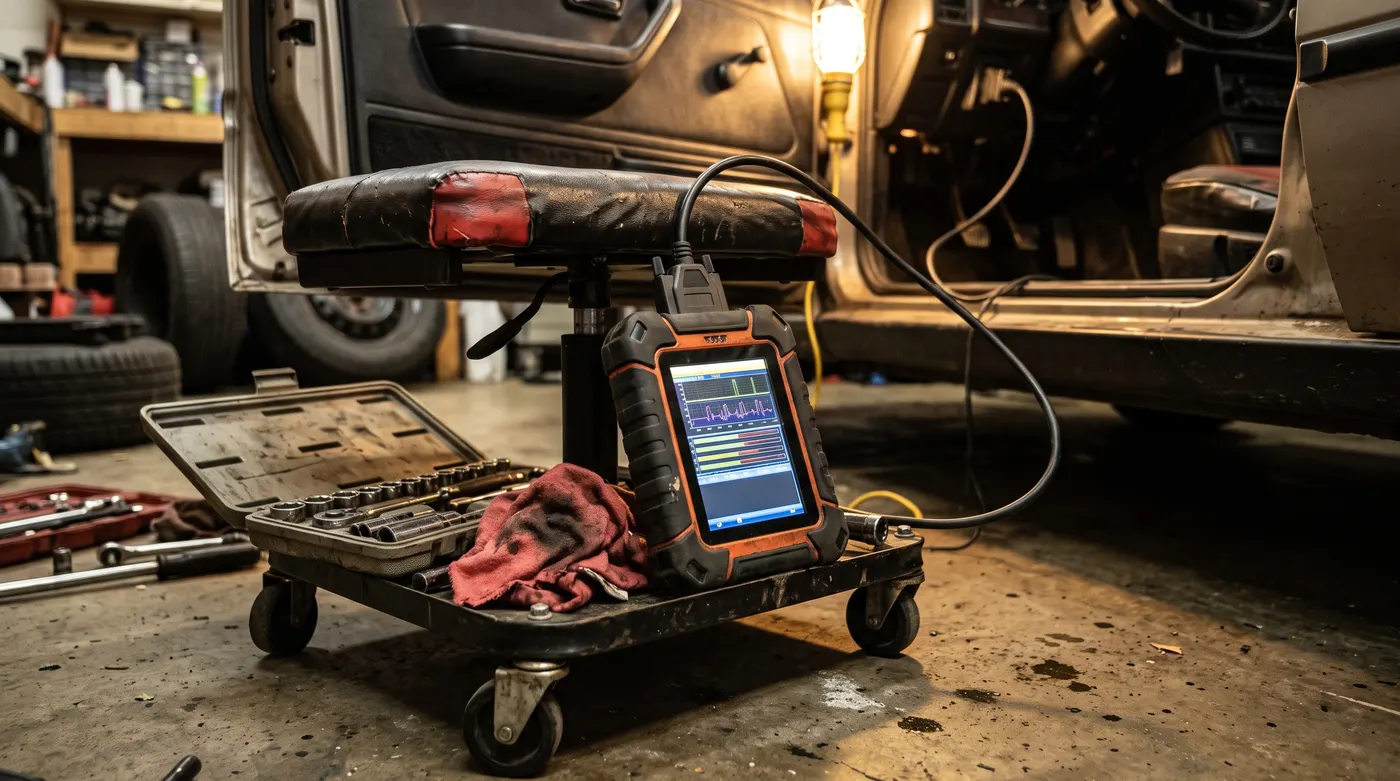
Classic glovebox tools: read the code, check readiness monitors before an emissions test, clear the light after a repair. The Foxwell NT301 adds a nicer screen and better live data. Neither reads ABS or airbag codes.
Mid-Tier: ABS and SRS Readers
Tools like the Autel MaxiLink ML629 and Foxwell NT630 Plus add ABS and SRS module access, and the NT630 Plus can also do steering angle sensor calibration on supported vehicles. If your main goal is clearing an airbag light after fixing a seat connector, this tier is the cheapest way to do it.
Pro-Level Bidirectional Tablets
The Autel MaxiCOM MK808S, Launch's CRP and X431 handhelds and Topdon's ArtiDiag range are Android-based tablets that scan every module they can reach, run active tests and handle dozens of service functions. They're what small independent shops used a few years ago, now at DIY prices.
- Best for: People who work on several cars (family, friends, project cars) and want one tool for everything.
- Watch out: Update renewals after the first year or two, and coverage that varies by make. Brand-specific tools still go deeper on their home brand.
Brand-Specific Scanners: OBDeleven, VCDS, FORScan and BimmerCode
If you own one brand and plan to keep it, a brand-specific tool will often beat a $600 generic tablet.
| Tool | Brands | Hardware | Platform | Cost Model |
|---|---|---|---|---|
| OBDeleven 3 | VW Group, BMW Group, Toyota/Lexus, Ford (US), Mercedes-Benz | BLE dongle | iOS, Android | Device plus Free, PRO and ULTIMATE plans and credits |
| VCDS | VW, Audi, Skoda, SEAT, Cupra | HEX-V2 or HEX-NET cable | Windows | One-time purchase, VIN-limited on HEX-V2 |
| FORScan | Ford, Lincoln, Mazda | OBDLink EX, MX+ or a switched ELM327 | Windows (Lite on mobile) | Free, with a cheap or free extended licence |
| BimmerCode / BimmerLink | BMW, MINI, Toyota Supra | OBDLink CX or MX+ | iOS, Android | One-time app purchases |
| AlfaOBD | Fiat, Chrysler, Jeep, Dodge, Ram, Alfa Romeo | OBDLink MX+ or similar | Android, Windows | One-time purchase |
A few notes from our VW experience:
- OBDeleven is the easy, phone-first option. Its plan pricing has shifted over the years, so check the current PRO and ULTIMATE costs. Newer VW Group cars with SFD2 gateway protection restrict what third-party tools can code.
- VCDS remains the deepest DIY option for VW Group cars and is a one-time purchase.
- If your VW has one of the classic issues in our common VW problems guide, either tool will pay for itself on the first diagnosis.
Free Apps and the DIY Telemetry Angle
A good adapter opens the door to a whole ecosystem of apps:
- Car Scanner ELM OBD2 (iOS, Android): Free, polished, with custom dashboards, Mode 6 and some manufacturer-specific PIDs. Our pick for budget setups.
- Torque Lite / Torque Pro (Android): The veteran. Torque Pro costs a few dollars and supports custom PIDs, dashboards and logging.
- OBD Fusion (iOS, Android): Paid, with optional enhanced diagnostics packs for some makes.
And if you like building things, the OBD2 port is a data source like any other. A Raspberry Pi with a USB or Bluetooth ELM327 adapter and the python-OBD library can log engine data straight into a database:
import obd

# Auto-detects a USB adapter; pass "/dev/rfcomm0" for a paired Bluetooth one
connection = obd.OBD()

for cmd in (obd.commands.RPM, obd.commands.COOLANT_TEMP, obd.commands.SHORT_FUEL_TRIM_1):
    response = connection.query(cmd)
    print(cmd.name, response.value)
We built a full version of this in DIY telemetry: streaming OBD2 data to Grafana, with InfluxDB, Docker and a race-style dashboard. If you want to go lower level, an ESP32 with a CAN transceiver can sniff raw CAN frames; it's one of the advanced builds in our ESP32 projects list.
Which OBD2 Scanner Should You Buy?
- Why is my check engine light on? BlueDriver, or a Veepeak with Car Scanner if money is tight.
- One adapter for everything, including enthusiast apps: OBDLink MX+.
- Small and iPhone-friendly: OBDLink CX or Veepeak OBDCheck BLE.
- Clear an ABS or airbag light: A mid-tier ABS/SRS handheld, or BlueDriver if your make is covered.
- Brakes, batteries and diagnostics on several cars: A bidirectional tablet like the Autel MK808S.
- Code features on a VW, BMW or Ford: OBDeleven or VCDS, BimmerCode, or FORScan.
- Build your own dashboard: Any quality ELM327-compatible adapter plus Python and Grafana.
Still choosing a car to wrench on? Our most repair-friendly cars for DIY mechanics list pairs nicely with any of these tools.
FAQ
What is the best OBD2 scanner for beginners?
BlueDriver is the easiest to live with: no subscription, clear code explanations and repair reports that point you towards the most likely fix. If you'd rather spend less, a Veepeak adapter with the free Car Scanner app is a great starting point.
What is the best Bluetooth OBD2 scanner for iPhone?
Choose an adapter that supports Bluetooth Low Energy or Apple's MFi programme. The OBDLink MX+, OBDLink CX, BlueDriver and Veepeak OBDCheck BLE all work with iPhones. Avoid generic "Bluetooth ELM327" clones, which usually only work with Android.
Can I leave a Bluetooth OBD2 adapter plugged in all the time?
With a quality adapter that has a proper sleep mode, usually yes for a daily driver. On a car that sits for weeks, or with a cheap clone, unplug it.
Do I need a bidirectional OBD2 scanner?
Not for reading codes and clearing lights. Bidirectional control earns its keep when you're bleeding ABS brakes, testing fans, solenoids or injectors, or diagnosing components without removing them. Most DIYers can start with a Bluetooth adapter and upgrade later.
Can a cheap OBD2 scanner read ABS and airbag codes?
Generic $20 readers can't. You need enhanced coverage for your make, which you'll find in BlueDriver, mid-tier ABS/SRS handhelds, bidirectional tablets, or brand-specific tools like OBDeleven and VCDS.
Are subscription OBD2 scanners worth it?
Sometimes, but do the maths: a $40 dongle with a yearly plan can cost more over three years than a $120 buy-once adapter. Subscriptions make most sense for brand-specific coding tools you use often.
Final Thoughts
You don't need a $700 tablet to fix your own car. For most home mechanics, a quality Bluetooth adapter like the OBDLink MX+ or BlueDriver covers the vast majority of jobs, from diagnosing a misfire to checking readiness monitors before an inspection. Add a brand-specific tool for a VW, BMW or Ford, and step up to a bidirectional handheld only when your jobs need active tests and service functions. Whatever you buy, the real value comes from learning to read live data, not just clearing codes.